← Return to member profile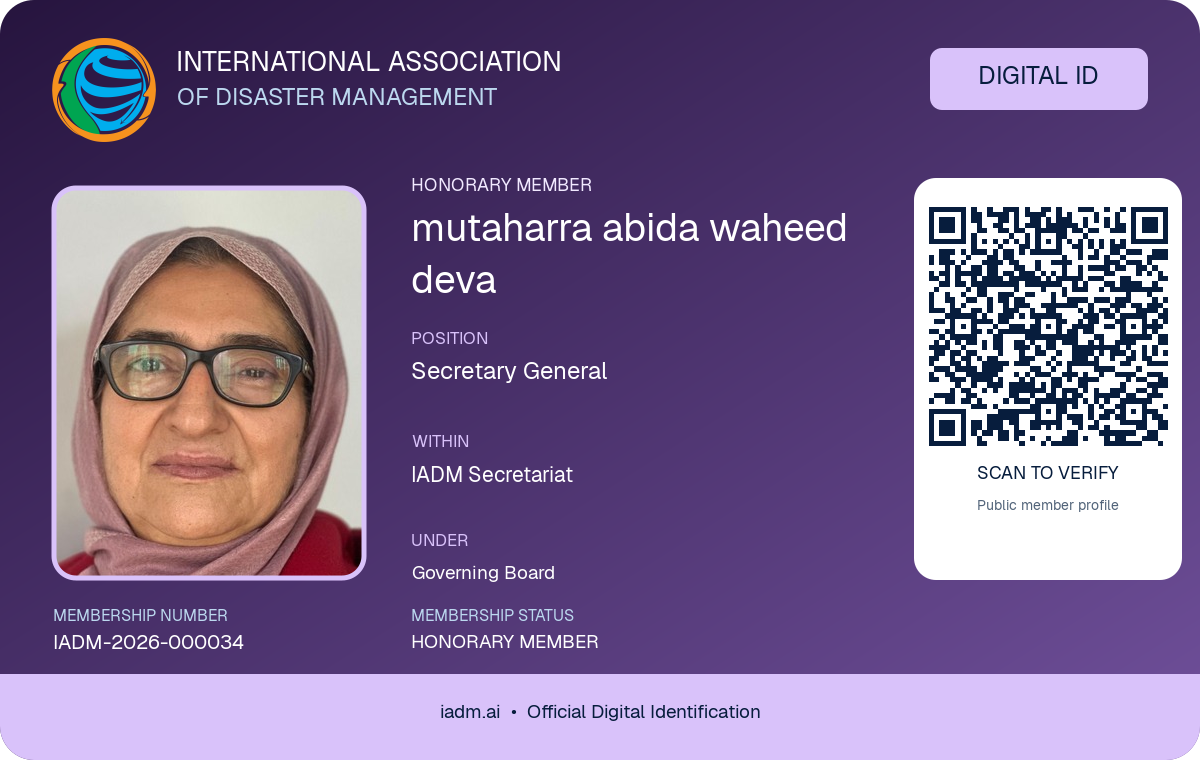
Center the face on your Digital ID
Adjust the portrait until the face is centered in the photo frame. These controls change the downloaded ID image only; your original approved photograph remains unchanged.
Tip: Move the horizontal slider toward the face's location in the original photograph. If the photo has little surrounding space, the adjustment range will be limited to avoid empty borders.
Live preview (refresh after adjusting)